The Client Left. Node.js Kept Making the API Call.
Node.js 26 can expose a request cancellation signal, but downstream work stops only when your code propagates it.

Editorial disclosure: This is an AI-prepared, documentation-based explainer. Its code and configuration examples are illustrative and have not been independently reproduced by the author. It does not describe a firsthand incident. See our editorial policy.
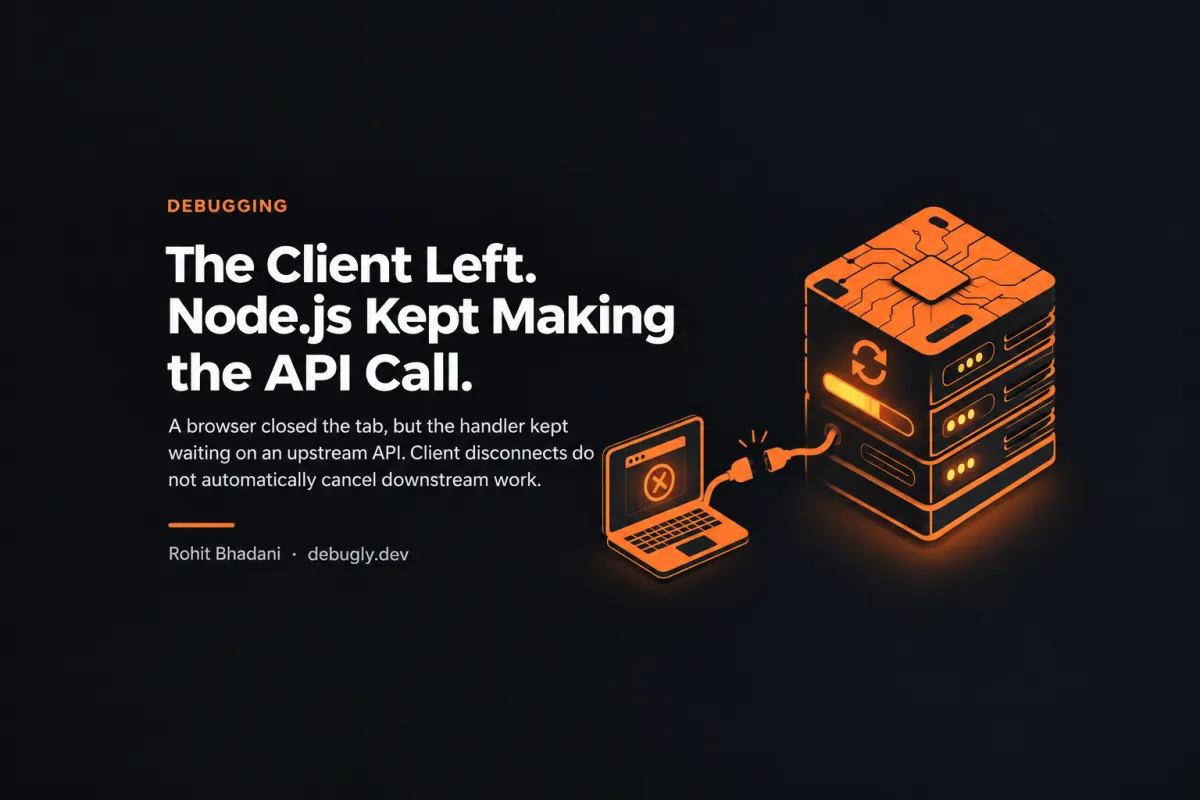
A browser closes a tab. The reverse proxy stops waiting. Your Node.js handler may still be waiting on an upstream API. The response has nowhere useful to go, but the work is not automatically cancelled just because the client is gone.
That distinction matters during retries, expensive reads, and agent-driven traffic. A client-side timeout is not proof that server-side work stopped.
The missing link between disconnect and cancellation
In recent Node.js 26 documentation, IncomingMessage.signal provides an AbortSignal that is aborted when the request is destroyed before completion or the underlying socket closes during request handling. Node.js introduced this property in v26.1.0 and changed its normal-completion behavior in v26.7.0. This version detail matters: do not copy this example into an older runtime and assume the property exists.
Node can signal that a connection has ended. It cannot decide which of your database writes are safe to cancel. The downstream operation must accept an abort signal, and the application must pass that signal along.
A handler that propagates the signal
import http from 'node:http';

http.createServer(async (req, res) => {
  if (req.url !== '/lookup') {
    res.writeHead(404).end();
    return;
  }

  try {
    const upstream = await fetch('https://example.com/api', {
      signal: req.signal
    });

    if (!upstream.ok) {
      if (!res.destroyed) res.writeHead(502).end('Upstream failed');
      return;
    }

    const payload = await upstream.text();
    if (!res.destroyed) res.writeHead(200).end(payload);
  } catch (error) {
    if (req.signal.aborted) return;
    console.error('Upstream request failed', error);
    if (!res.destroyed) res.writeHead(502).end('Upstream failed');
  }
}).listen(3000);
Version requirement: this example assumes Node.js 26.7.0 or newer. The endpoint is illustrative; it has not been benchmarked against a live upstream.
Cancellation is not a transaction rollback
An aborted fetch can stop a supported HTTP operation. It does not reverse a payment, undo a database commit, or guarantee the remote server stopped handling its request. Treat abort signals as resource-management tools, not proof of exactly-once side effects.
For writes, use idempotency keys and transaction-level guarantees. For reads or expensive compute, propagate cancellation to every supported layer. Log cancellation separately from upstream failures so dashboards do not label every abandoned request as a backend outage.
How to verify the fix
- Run the handler on a documented Node.js version that supports
req.signal. - Point the fetch at a controlled, intentionally slow test endpoint.
- Start a request and disconnect the client before the upstream responds.
- Check the handler's cancellation path and upstream logs. Do not assume aborting locally means remote execution stopped.
- Repeat for a normal successful response and for an upstream error.
The practical rule
If a user disappears, decide explicitly what should survive the disconnect. Reads can often be cancelled. Durable writes may need to complete, deduplicate, or compensate. The important thing is that the behavior is intentional rather than an accident of an abandoned socket.
Sources: Node.js HTTP API documentation. Related Debugly reading: How to Set Timeouts Correctly.