Storefront API 429s on a Store With Almost No Traffic

The headless storefront served a quiet store, a few visitors an hour, and its logs were full of 429s from the Storefront API. The team's first reading was that the rate limit was misconfigured or the store was being attacked, because the mental model was requests per minute, and the requests per minute were tiny. The model was wrong. The Storefront API throttles by cost, and a single expensive query can spend the budget that a hundred cheap ones would share.
This is the cost based throttling model, why it produces 429s at almost no traffic, and the query shapes that drain the bucket.
This was a headless store on the Storefront API, observed via the throttle status fields and the 429 responses, Chrome 133.
The bucket and the cost
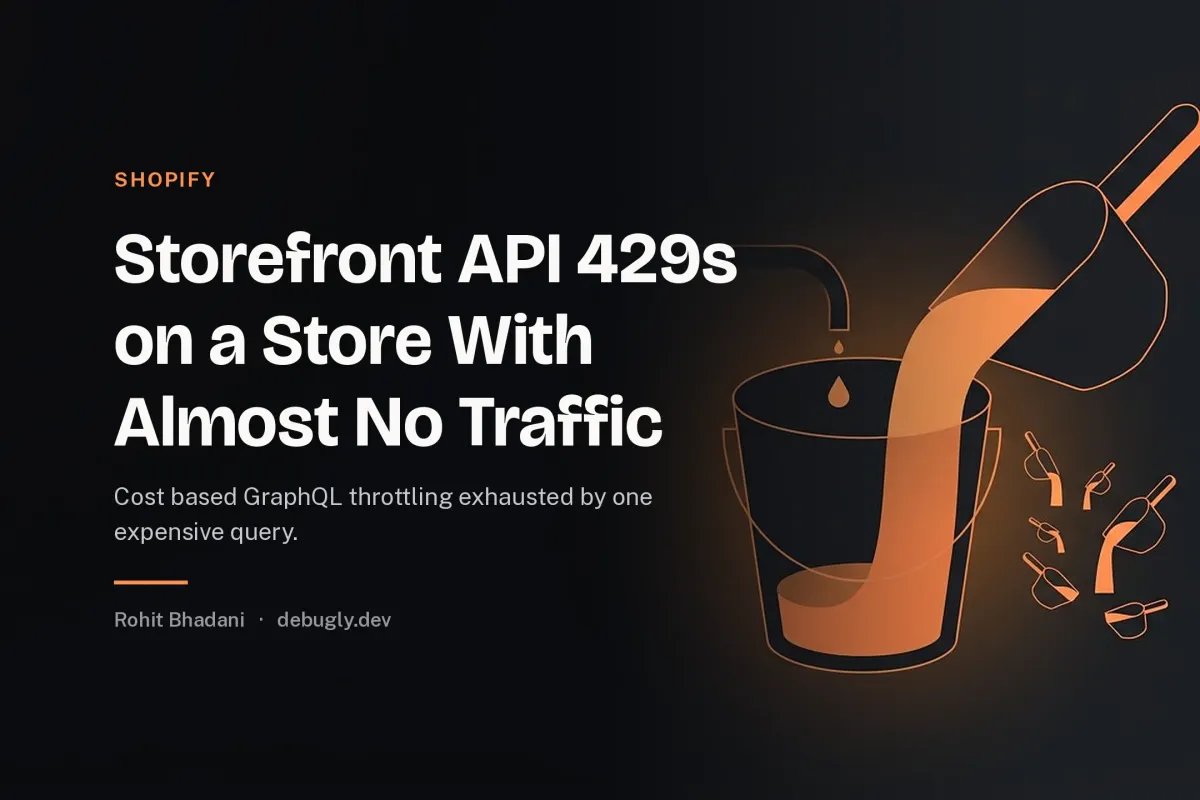
The API gives each store a leaky bucket of cost. It refills at a steady rate and has a maximum, and every query spends an amount equal to its computed cost, which is estimated from the shape of the query: the fields requested, the nesting depth, and the connection sizes asked for. A query that asks for a product's title costs little. A query that asks for a collection with nested variants, images and metafields across a large first page costs a great deal, because the server estimates the work of walking and returning that graph.
So the throttle is not counting your requests. It is accounting your requested work. Ten cheap queries may spend less than one expensive one, and the 429 arrives when a query's cost exceeds the available bucket, regardless of how quiet the store has been.
This is the same wrong denominator lesson as the rate limit that counted IPs, inverted: there, counting the cheap dimension missed the attack; here, counting requests misses the spend, because requests are not the scarce resource. Computed work is.
Seeing the cost
The API tells you its accounting, and reading it is the diagnosis. Every response carries the throttle status: the restore rate, the maximum, the currently available amount, and the actual query cost. Log those with every request and the incident becomes a ledger: which query cost how much, and what the bucket held before it.
The expensive query in this store asked for a collection with the default large first page, each product with its full variant connection and image connection, plus metafields, on every page view, including bot traffic. Its cost was a large fraction of the maximum bucket, so two or three page views in a short window exhausted it, and the next request, however cheap, was refused until the bucket refilled. A quiet store, a handful of requests, and a throttle, all true at once.
The query shapes that drain
Large first pages on connections. Asking for the default or a large first on a products or variants connection multiplies the estimated work by the page size. The fix is small pages, fetch what the UI shows, and paginate on demand.
Deep nesting of connections. Each level of nested connection multiplies the walk. Variants inside products inside collections, with images at each level, is the classic drain, and the UI rarely needs more than one level at a time.
Metafields everywhere. Requesting metafields on every object adds per object cost across the whole page, and metafields are usually needed for one object, not the page. Scope them to the object that needs them.
Polling instead of webhooks. A headless store that polls the API to detect changes spends cost continuously for information that webhooks deliver for free. The poll is a slow drip that empties the bucket before the real queries arrive.
The fixes
Read the cost and budget the page. Treat the page as a budget of cost, sum the costs of its queries from the logged throttle status, and keep the total a small fraction of the maximum, so a burst of page views does not exhaust it. The budget is the same discipline as a performance budget that survives contact with a real store, applied to API spend instead of bytes.
Cache the expensive reads. Product and collection data changes rarely. Cache the query results at the edge or in the app with a sensible TTL, and the expensive query runs once per change instead of once per visitor, which is the move from per request cost to per change cost, the same move as caching the serialised document in the endpoint that spent nine hundred milliseconds building JSON.
Handle the 429 as a budget signal, not an error. When the throttle status shows the bucket low, shed the optional queries, serve the cached variant, and retry with backoff that honours the restore rate. A 429 that triggers a retry storm spends the refill as fast as it arrives, which is the retry ladder defect from reviewing retry and backoff logic applied to a budget.
Separate bot and preview traffic. Bots and crawlers hitting the storefront spend the same bucket as customers. Put them on a cached path or a separate, cheaper surface, so a crawler's curiosity does not refuse a customer's checkout.
The rule
The Storefront API throttles computed work, not request count, and the work is estimated from the query's shape, so a quiet store with one nested, wide query is a loud spender. Log the throttle status with every request, budget the page's total cost, cache the expensive reads to pay per change instead of per visit, and treat the bucket as the capacity it is.
The 429 at low traffic is not a misconfiguration. It is the accounting working, on a denominator nobody was reading. The general version, where the metric you watch is not the resource that is spent, is measuring TTFB when a CDN is answering for you.