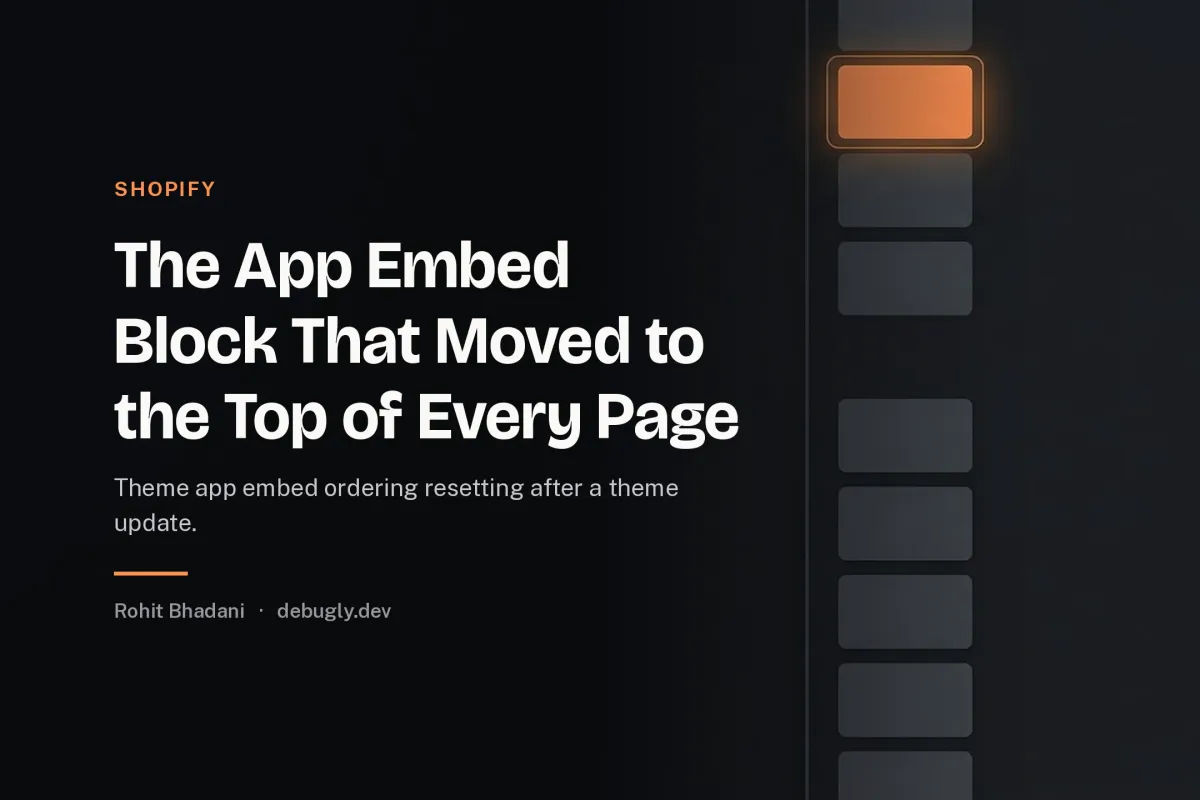
The App Embed Block That Moved to the Top of Every Page

The merchant's loyalty app stopped working the day the theme was updated. Its script, which had run after the theme's bootstrap for months, now ran before it, and the app's initialisation, which expected the theme's globals, found nothing and threw. Nothing in the app had changed. Nothing in the app's settings had changed. What changed was the order of two blocks in a JSON file the merchant had never opened.
App embeds are how apps inject scripts into a Shopify theme, and the embeds are stored as blocks inside the theme's settings JSON, in an ordered list. The order of that list is the execution order, and the order is theme data, which means a theme update that rewrites the settings can reorder the blocks, and the reordering is a behaviour change with no visible diff.
This was an Online Store 2.0 theme with two app embeds, observed in Chrome 133.
Why the order matters and who owns it
An app embed block is a settings entry the app writes when it is enabled, declaring a script to include on the page. The theme renders the embeds in the order the blocks appear in its JSON. So the execution order of third party scripts is decided by an array in theme settings, which is owned by the theme's update process, not by the apps, and not by the merchant in any deliberate way.
The merchant sees a toggle per app in the theme editor, on or off, and reasonably believes the apps are independent. They are not. They share an ordered list, and the list's order is load order, and load order is behaviour for any script that depends on another having run.
This is the same "the configuration is the behaviour" lesson as the helm value you set and the one that applied, except the configuration here is an order, and orders are the least reviewed property of any configuration.
How the update reordered it
Theme updates ship a new settings schema and, frequently, a regenerated settings JSON. Depending on how the update is applied, blocks the update does not know about can be appended at the end, merged in a different position, or rewritten from the app's declared defaults. Any of those moves an embed relative to its neighbours, and a move across the theme's own bootstrap block flips which runs first.
The cruel part is that the change is silent and intermittent across stores. Two stores with the same apps can end up with different orders after the same update, because their prior JSON differed, so the app developer cannot reproduce it on their own store, and the merchant sees a breakage with no actor.
Diagnosing it
The evidence is the order of the script tags in the rendered page. View source and find the app embed scripts and the theme's script, and note their order. Compare to a store where the app works. When the order differs, you have the incident in one glance.
The theme editor shows the embeds under the app embeds section in a draggable list, and the list order there is the JSON order. Dragging is the merchant visible interface to a property that decides script execution order, which is a striking mismatch between the control's appearance and its power.
The fixes
Make the app order tolerant. An app that depends on the theme's bootstrap should not assume position. It should wait for what it needs, via a readiness check or an event, rather than by being later in the list. Order dependence is a contract the app cannot enforce, so the app must not rely on it. This is the durable fix and it belongs in every app embed's design review.
Namespace and defer. Loading the app script with defer or as a module changes its timing relative to the theme's classic scripts in a predictable way, reducing the surface where order matters. It is not a full fix, because dependencies between deferred scripts still have order, but it removes the worst case of blocking on the theme's synchronous bootstrap.
Treat the embed list as deployment data. For stores where the apps are load bearing, record the settings JSON in version control or at least snapshot it before a theme update, so a reordering can be detected and reverted as a diff rather than debugged as a mystery. The JSON is configuration that changes behaviour, and configuration that changes behaviour deserves the same review as code.
Coordinate the update. Before a theme update on a store with order sensitive apps, note the current embed order, apply the update, and verify the order and the apps. Ten minutes of verification replaces the merchant ticket that arrives as "the app is broken" with no actor and no diff.
The review checklist
For any theme with app embeds, ask: which scripts depend on which having run, where is that dependence enforced, and what reorders the list. If the answer to the last is "the theme update", and the answer to the middle is "the list order", then the store's third party behaviour is one update away from changing, and the fix is making the apps tolerant of order, because the order will move again.
The rule
App embed order is execution order, stored in theme data that theme updates rewrite, so no app may depend on its position in the list. Apps wait for what they need, stores snapshot the settings before updates, and the embed list is treated as the deployment configuration it is, because the merchant's drag and drop toggle is a load order editor wearing a settings screen's clothes.
The broader pattern, a platform owned ordering deciding third party behaviour, also shows up in the section rendering API returning yesterday's cart, where the invisible layer was the cache rather than the block order.