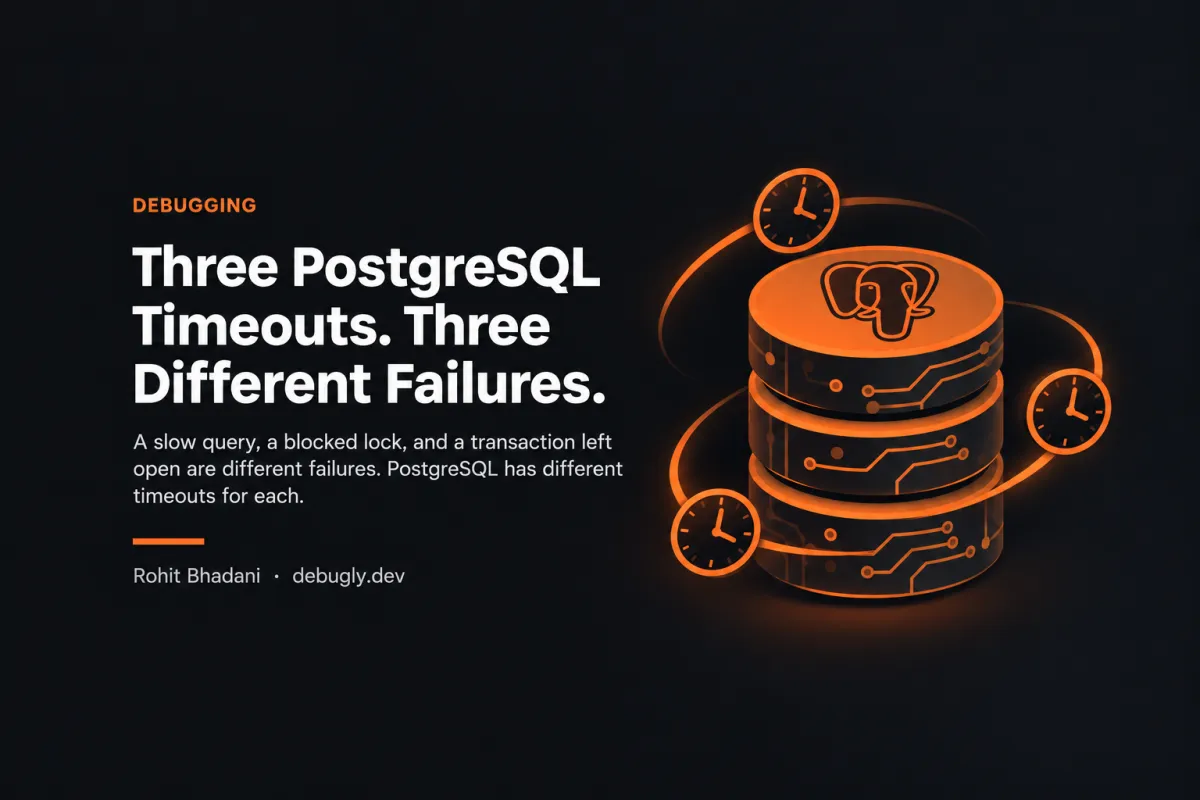
Three PostgreSQL Timeouts. Three Different Failures.
A slow query, a blocked lock, and a transaction left open are different failures. PostgreSQL has different timeouts for each.

Editorial disclosure: This is an AI-prepared, documentation-based explainer. Its code and configuration examples are illustrative and have not been independently reproduced by the author. It does not describe a firsthand incident. See our editorial policy.
A request times out after five seconds. The team raises the database timeout to thirty. The request still fails—or worse, it now ties up a connection for longer. The problem is often not the value. It is that three different clocks are being treated as one.
PostgreSQL distinguishes a statement running too long, a statement waiting for a lock, and an entire transaction living too long. Those are different failure modes. They deserve different limits.
What each timeout actually measures
| Setting | What it limits | Failure it targets |
|---|---|---|
statement_timeout | Time from receipt of a statement until completion | Slow or blocked statements |
lock_timeout | Time waiting to acquire each lock | Lock contention |
transaction_timeout | Lifetime of a transaction | Long-lived transactions |
These settings are not interchangeable. In PostgreSQL 18 documentation, transaction_timeout is described separately from the older idle_in_transaction_session_timeout, which targets sessions sitting idle inside an open transaction. Check your PostgreSQL major version before applying any configuration.
Set limits for a single transaction before changing a cluster
BEGIN;
SET LOCAL statement_timeout = '5s';
SET LOCAL lock_timeout = '1s';
SET LOCAL transaction_timeout = '10s';

-- Your transaction statements go here.

COMMIT;
SET LOCAL restricts these settings to the current transaction. This is a configuration example, not proof that these durations suit every workload. In particular, setting lock_timeout equal to or higher than statement_timeout is usually ineffective because the statement timeout can expire first.
Diagnose the blocked query, not just the duration
SELECT pid, state, wait_event_type, wait_event,
       now() - query_start AS query_age,
       pg_blocking_pids(pid) AS blocking_pids,
       left(query, 150) AS query_sample
FROM pg_stat_activity
WHERE datname = current_database()
  AND pid <> pg_backend_pid();
Run this with appropriate permissions while the issue is occurring. A nonempty blocking_pids list is a useful clue; an empty list does not prove a statement is healthy. Consider query plans, I/O, pool exhaustion and application-side timeouts as well.
The timeout you choose changes the incident
A one-second lock timeout can make a hot-row conflict fail quickly instead of consuming an entire HTTP request budget. A statement timeout can limit runaway queries. A transaction lifetime limit can clean up transactions that stay active too long, but it can also interrupt legitimate multi-step workflows if applied indiscriminately.
PostgreSQL documentation cautions against setting a broad statement_timeout in postgresql.conf, because it affects all sessions. Prefer workload-specific configuration where possible, and test with realistic transactions.
Before changing anything
- Record the database version and current timeout values using
SHOW. - Identify whether time is spent running, acquiring locks, or sitting inside a transaction.
- Inspect blockers and the application's total request deadline.
- Choose a smaller, targeted test limit, then verify error handling and retries.
- Monitor cancelled statements and connection-pool behavior after rollout.
Timeouts are not a substitute for diagnosing a slow query or a transaction that holds locks unnecessarily. They are circuit breakers around work you already understand.
Sources: PostgreSQL 18 client connection defaults; PostgreSQL monitoring statistics. Related Debugly reading: Idle in Transaction Held the Lock.