React useEffectEvent: Fresh Settings Without Reconnecting
A dashboard preference can restart a live feed or leave its callback reading old settings. Separate subscription identity from event-time policy with React Effect Events.

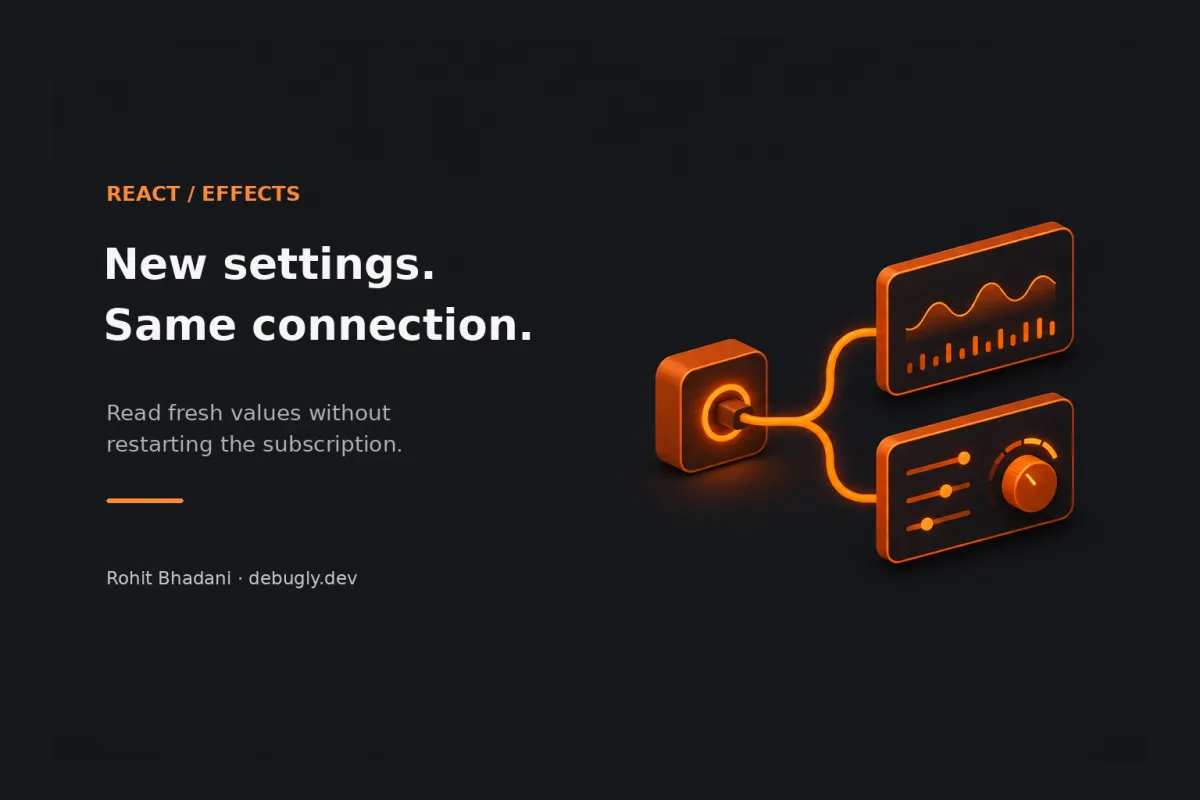
You move an alert slider, and the dashboard quietly disconnects its live feed. Put the slider back and it reconnects again. Apparently the temperature sensor now needs a small networking ceremony every time you change your mind.
The useful distinction: the server address and selected sensor determine which subscription should exist. The alert limit determines what to do when a reading arrives. In React, keep the first two reactive in the Effect, and read the alert limit through useEffectEvent when handling the subscription’s event. That lets the handler see current committed values without rebuilding the subscription for an unrelated setting change.
This is an AI-prepared, documentation-based explainer, not a personally reproduced incident. The dashboard, protocol and code below are illustrative and have not been executed. See Debugly’s editorial policy.
The dependency warning is pointing at two different jobs
Let’s trace an illustrative live-temperature dashboard. Its component receives a WebSocket URL, a sensor ID and a warning limit. An Effect opens the socket, subscribes to the sensor and attaches a message handler. That handler compares each temperature with the limit.
If the handler reads limitCelsius directly inside the Effect, the limit is a reactive dependency. Include it, and changing the slider tears down the old Effect and runs the setup again. Leave it out, and the installed callback can keep using the limit from the render that created it. One version reconnects too often; the other makes the alert control look decorative.
That’s a consequence of the code’s structure, not proof that React is confused. The Effect currently describes both the subscription’s lifetime and the policy for interpreting a future reading. Those jobs happen to share a function body. They don’t have to share a restart condition.
React’s useEffect reference describes cleanup with the old values before setup with new dependencies. Its guide to separating events from Effects explains how to split reactive synchronization from event logic that should read current values.
Write down what would make the existing connection wrong
Before changing the dependency array, ask a less mechanical question: if this value changed and the existing subscription stayed alive, would we be connected to the wrong thing?
| Value changes | Meaning for this dashboard | Expected response |
|---|---|---|
socketUrl | The destination has changed. | Close the old connection and connect to the new endpoint. |
sensorId | The subscribed resource has changed. | Replace the subscription; this example reconnects. |
limitCelsius | Future readings use a different alert policy. | Keep the connection; use the latest limit on the next reading. |
onAlert | The application’s reaction to an alert has changed. | Use the latest callback when an alert event occurs. |
This table is an application contract, not a universal list of “safe” dependencies. If your server filters events using the limit, changing that limit must update the server subscription. It belongs in the synchronization logic in that design. A value’s name doesn’t decide whether it is reactive; its job does.
Keep the subscription reactive; move the reading policy
The following example assumes an illustrative server protocol: send a JSON subscription containing sensorId, then receive JSON objects containing sensorId and numeric celsius. Replace that protocol handling with your actual client. Error reporting, reconnect backoff and authentication need their own application policy.
import { useEffect, useEffectEvent } from 'react';

export function TemperatureAlerts({
  socketUrl, sensorId, limitCelsius, onAlert
}) {
  const onReading = useEffectEvent((readingSensor, celsius) => {
    if (celsius > limitCelsius) {
      onAlert({ sensorId: readingSensor, celsius, limitCelsius });
    }
  });

  useEffect(() => {
    let active = true;
    const socket = new WebSocket(socketUrl);

    function handleOpen() {
      socket.send(JSON.stringify({ type: 'subscribe', sensorId }));
    }

    function handleMessage(event) {
      if (!active || typeof event.data !== 'string') return;
      let reading;
      try {
        reading = JSON.parse(event.data);
      } catch {
        return; // Illustrative protocol: ignore non-JSON frames.
      }
      if (reading?.sensorId !== sensorId ||
          typeof reading.celsius !== 'number' ||
          !Number.isFinite(reading.celsius)) return;
      onReading(sensorId, reading.celsius);
    }

    socket.addEventListener('open', handleOpen);
    socket.addEventListener('message', handleMessage);
    return () => {
      active = false;
      socket.removeEventListener('open', handleOpen);
      socket.removeEventListener('message', handleMessage);
      socket.close();
    };
  }, [socketUrl, sensorId]);

  return null;
}
The Effect still owns the socket and its cleanup. It still reacts to socketUrl and sensorId. The Effect Event owns the decision made when a valid reading arrives. It reads limitCelsius and onAlert from the latest committed render at the time it is called.
The sensor ID is deliberately passed as an argument. It identifies the event’s subscription, whereas the limit is the current policy applied to that event. Keeping those roles explicit matters when a callback runs later than the code that registered it. The cleanup and active guard also keep this example from intentionally processing callbacks after that subscription has been retired. They aren’t a replacement for your transport’s lifecycle guarantees.
onReading is absent from the dependency list because it is an Effect Event. Don’t add it back to appease tooling that doesn’t recognize the API. React’s 19.2 release notes, where the Hook was introduced, explain that compatible Hooks lint support is needed. Check the version and configuration actually resolved by your project before suppressing a warning.
Fresh reads do not make a callback a time machine
There’s a boundary worth keeping sharp: an Effect Event reads current values when you invoke it. It doesn’t retroactively change local variables you already captured, cancel earlier work, or guarantee that a remote message describes the currently selected resource.
Suppose you receive a reading for sensor A, start an asynchronous operation, and switch to sensor B before the operation finishes. Reading the latest sensorId inside a later callback can mislabel A’s reading as B’s. Pass event identity as an argument and decide whether retired work should be ignored or cancelled. “Fresh state” is helpful; “freshly misattributed event” is still a bug.
React’s guide makes a similar distinction between event arguments and values read at invocation time in its delayed visit-logging example. That distinction is more valuable than memorizing a smaller dependency array.
Three tempting fixes that need a second look
“I’ll put everything inside an Effect Event.” Then changing the sensor may leave the old subscription running. The Hook is not permission to hide values that should resynchronize an external system.
“I’ll pass this to a child as a stable callback.” That is outside the API’s intended scope. The current Effect Event reference restricts these functions to Effect logic local to their component or Hook, including callbacks registered by that Effect. They aren’t general button handlers or props to distribute through a component tree. The reference also explicitly says their identity is not stable. Don’t build memoization or dependency logic around an identity guarantee the API doesn’t offer.
“I’ll use a functional state update instead.” That’s often exactly right when you only need previous state to calculate next state: setCount(c => c + 1). It doesn’t automatically refresh a different captured prop such as the alert limit. Choose the smaller tool that solves the actual stale read. An Effect Event is useful here because subscription events need current props without restarting the subscription.
Verify behavior by changing one cause at a time
Here is a verification plan for your own implementation, not a report of tests run for this article:
- Hold the sensor and URL fixed, then change only the limit. Observe connection setup/cleanup and deliver a reading that falls between the old and new limits. The next event should follow the new policy without a settings-driven reconnect.
- Change only the sensor. Confirm the old listener is retired and that new events belong to the selected sensor. Include a deliberately late old event if your transport or test double can deliver one.
- Change the URL. Confirm teardown and a connection to the new destination. This checks that the fix hasn’t hidden a real synchronization input.
- Unmount the component. Confirm listener removal and socket cleanup. Separately test reconnect, authentication and malformed-message behavior in the actual application.
If you see an extra setup/cleanup cycle during development, distinguish it from a setting-driven reconnect. Debugly’s Strict Mode Effect explanation covers that separate diagnostic branch. If old listeners remain active, inspect the cleanup boundary before blaming stale closures. React does not turn a missing unsubscribe into a correct lifecycle just because the callback reads newer values.
The next time a preference change disturbs a live connection, write down its identity inputs before touching the linter. Then decide which event-time values should stay current. That small design note gives the next developer something better than an empty array and a comment saying “please don’t change this.”
Documentation checked 4 November 2026. More frontend investigations: React. Author and site background: About Debugly.