Shopify Cart Updated but Drawer Broke? Check Null Sections
A successful cart change can leave null section HTML and a broken drawer. Separate mutation, rendering and DOM failures before retrying the add.

Editorial disclosure: This is an AI-prepared, documentation-based explainer, not a personally reproduced incident. The walkthrough and code are illustrative and have not been executed for this article. See the editorial policy.
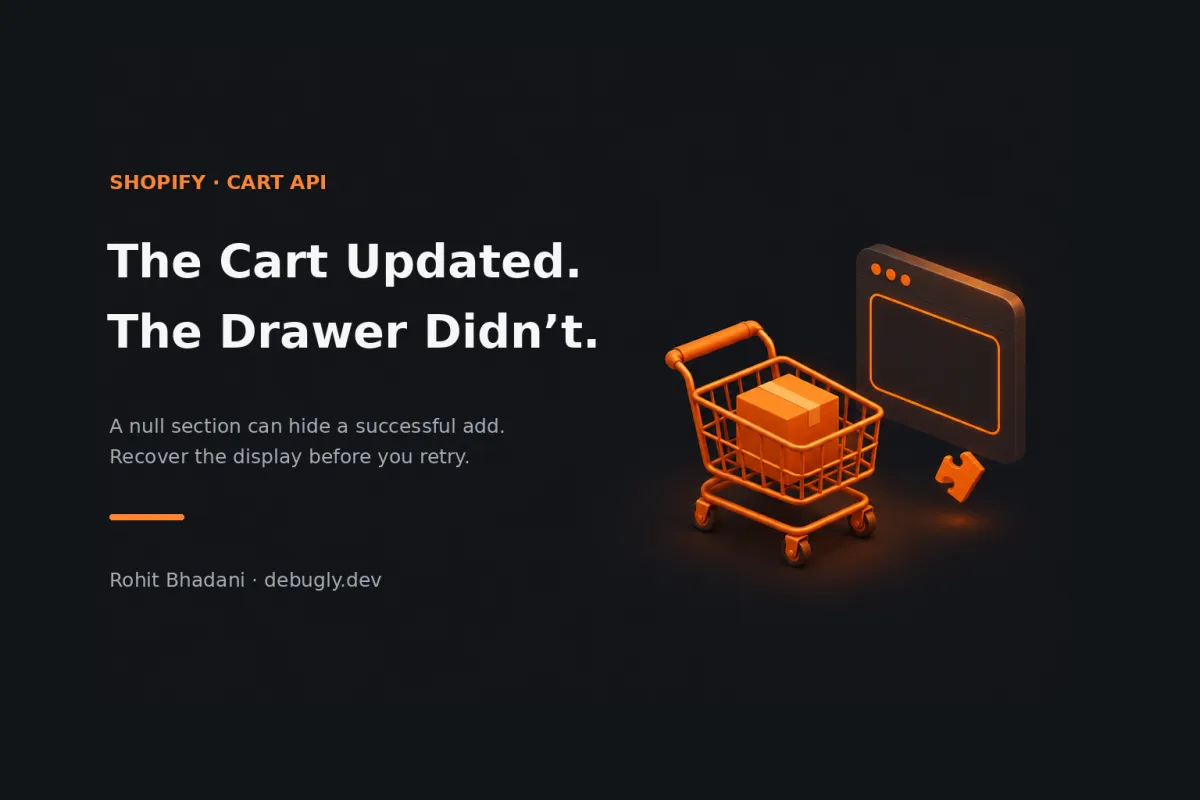
You click Add to cart. The drawer breaks. Refresh the cart page and the item is sitting there, apparently wondering why you clicked twice.
Check the cart change separately from the section render. Shopify can apply a cart mutation and then fail to render the HTML requested alongside it. If the response contains a null section, recover the display without automatically repeating the mutation. A broken drawer is not evidence that adding the item failed.
This concerns Shopify's Ajax Cart API and bundled section rendering in storefront themes, rather than the Storefront GraphQL API or checkout extensions.
The request did two jobs
Bundled rendering puts a cart operation and requested section HTML into one round trip. That is convenient, but it doesn't make their outcomes identical. Shopify's Cart API reference documents the order: data changes happen before rendering. A rendering failure can leave null section values without changing the API response status.
There is a sharper edge too. Invalid sections or sections_url values can produce HTTP 400, yet Shopify explicitly warns that this doesn't mean the rest of the request failed. In particular, sections_url must start with /. Don't interpret every non-2xx response as a rollback receipt.
That gives us three things to establish: what happened to the cart, whether usable markup came back, and whether the browser successfully applied that markup. A single “Add failed” toast collapses all three. Very efficient, if the goal is to confuse everyone equally.
Why this is worth checking now
An October 29–30, 2026 developer-forum discussion describes successful cart changes paired with null bundled sections. One participant relayed a support explanation involving theme previews; another reported a live-store symptom. Those are attributed reports, not a confirmed platform-wide incident or proof that every null response has the same cause.
The durable lesson comes from the documented contract, not from guessing whether today's store has that particular regression. Build a path for partial success even after an intermittent incident disappears.
Find the first missing piece
In DevTools, preserve the request and inspect its response before touching the retry button. Capture the endpoint, HTTP status, requested section IDs, sections_url, preview versus published-theme context, and available request identifier. Keep cookies, customer details and cart tokens out of shared screenshots.
| Evidence | Next check |
|---|---|
| Successful response, null or missing section HTML | Reconcile cart state; request the failed display fragment separately. |
| 400 after supplying rendering parameters | Validate parameters and read the cart before deciding whether to repeat a mutation. |
| Valid HTML in the response, unchanged drawer | Inspect the DOM target, replacement code and JavaScript exception. |
| Two overlapping updates; older HTML wins | Inspect response ordering and serialize the theme's cart operations. |
| Network failure with no usable response | Treat the mutation outcome as uncertain; reconcile instead of assuming rollback. |
A read of cart.js tells you the current cart, not which concurrent request caused every change. Compare relevant line identities and quantities with the pre-operation state where available. Multiple tabs, apps and rapid clicks can make a simplistic “quantity increased, therefore this request succeeded” conclusion unreliable.
Debugly's cart request-ordering walkthrough covers that adjacent problem. Bundling helps avoid an extra read; it doesn't serialize every operation in your storefront.
Recover the render, not the add
Shopify's Section Rendering API provides a read-only way to request fragments. Use IDs from the actual theme: static sections use their file name, while dynamic sections have instance IDs. Don't copy an ID from an unrelated theme and call the resulting null a platform outage.
This illustrative helper retries a missing fragment once using a GET. It never sends another cart mutation. The caller supplies the same locale-aware page context used for the original render and the real section ID:
async function getSectionHtml(sectionId, bundled, pageUrl) {
  const cached = bundled?.[sectionId];
  if (typeof cached === 'string' && cached.trim()) return cached;

  const url = new URL(pageUrl, window.location.origin);
  if (url.origin !== window.location.origin) {
    throw new Error('Expected a same-origin section URL');
  }
  url.searchParams.delete('section_id');
  url.searchParams.set('sections', sectionId);

  const response = await fetch(url, {
    headers: { Accept: 'application/json' },
    cache: 'no-store'
  });
  if (!response.ok) throw new Error('Section refresh failed');
  const sections = await response.json();
  const html = sections?.[sectionId];
  if (typeof html !== 'string' || !html.trim()) {
    throw new Error('Section is still unavailable');
  }
  return html;
}
This is a recovery primitive, not a drop-in cart controller. It deliberately leaves mutation handling, serialization, DOM replacement, accessibility announcements and loading state to your theme. Check HTTP success and payload shape separately; fetch does not reject merely because an HTTP error status arrived.
If the GET still fails, stop the automatic loop. Offer the locale-aware cart page as a way to inspect the actual cart, with wording that doesn't claim the add failed. A page reload or navigation can restore the display; an automatic second POST can change the order.
Markup arriving is one more boundary
Validate all fragments needed for an update before replacing half the drawer. Match the theme's wrapper conventions, retain keyboard and focus behavior, and restore controls in a finally path. Otherwise an exception can leave a successful cart operation behind a permanently disabled button.
Shopify's dynamic section guidance also warns that scripts in inserted HTML don't execute through ordinary fragment replacement. Bind behavior outside the replaced subtree or use the theme's component lifecycle. “The HTML is there” and “the component works” need separate checks.
Make partial success a test case
In a development theme, simulate a successful mutation response with a null fragment, a failed recovery GET, and an exception during replacement. Separately exercise invalid rendering parameters and an interrupted response. Check the cart after each case; don't stop at whether a toast appeared.
Assert that the recovery path issues no extra mutation, loading controls recover, the fallback is reachable by keyboard, and overlapping operations cannot install older markup over newer state. These are proposed checks, not claimed test results.
Keep the cart operation's outcome and the display's outcome distinct in your state and telemetry. The next time a drawer looks empty, you'll have a useful question ready: did the cart fail, or did its explanation fail to arrive?
More theme investigations: Debugly's Shopify category. Author background: Rohit Bhadani.