Stripe Returned the Same 500. Did Your Retry Run Again?
Stripe API v1 can replay a stored 500. Check the replay header, then reconcile the original operation before using a new key.

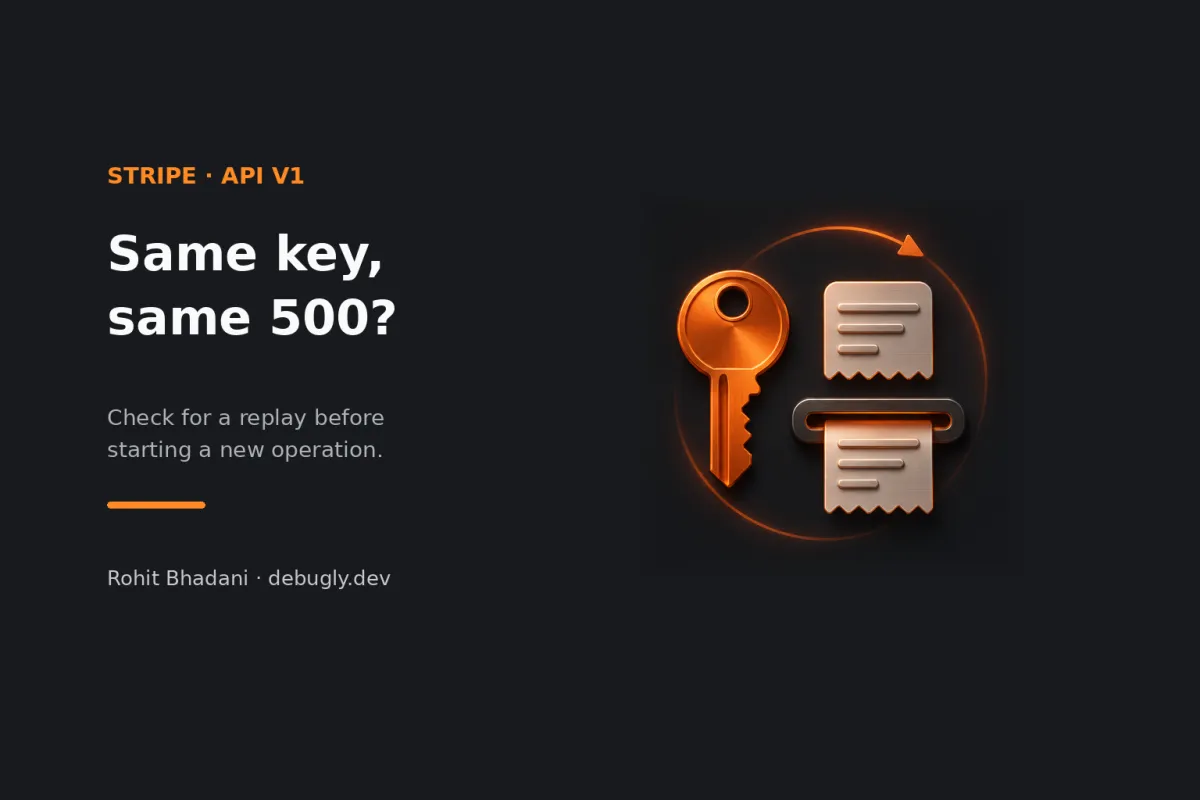
The first Stripe POST returns 500. The retry uses the same idempotency key and gets the same 500. Before you change the key, look for Idempotent-Replayed: true. In Stripe API v1, that can be the original response coming back again, even if the operation had side effects. The retry may have told you what Stripe answered the first time without telling you what happened to the object.
Keep the original operation pending while you reconcile it. If you know the Stripe object ID, retrieve it. Otherwise, correlate the request in Stripe's dashboard and look for verified webhook events tied to your own operation ID. Don't use a new key just to get a different response: Stripe can treat that as a new request.
This is an AI-prepared, documentation-based explainer, not a personally reproduced incident. The walkthrough and test cases are illustrative and were not executed against Stripe. See the editorial policy.
The second error can be a receipt for the first
Imagine a worker creating a PaymentIntent for a checkout. The worker stores an operation ID and an idempotency key before it calls Stripe. It gets a server error, then tries again with the same key and parameters. The tempting reading is “two attempts, two failures.” But Stripe's v1 idempotency contract saves the first status and body once execution begins, including a 500. A later matching request can replay that saved result. Stripe also checks the parameters, so reusing the key for a changed request isn't the right way to adjust the operation.
Two identical bodies don't establish a replay by themselves. Check the header on the actual response, or capture it through the SDK or HTTP layer if the error wrapper doesn't expose it. The header confirms a replayed response. It doesn't say whether a PaymentIntent was created, and creation of a PaymentIntent isn't proof of a successful payment. Check the state that actually matters to your checkout. A response status isn't a ledger.
Separate “no response” from “a response that says 500”
For a connection reset or timeout where you didn't get a usable response, retrying the same logical operation with the same key and parameters can recover the answer without creating a second operation, within the key's retention window. Use bounded retries and follow Stripe's error handling guidance. An explicit 500 is a different clue: Stripe documents that the operation's outcome can be indeterminate. A repeated cached 500 can stay the same even after Stripe reconciles the underlying operation. A longer backoff doesn't turn the replay into a fresh status check.
There's another important boundary. Stripe says it doesn't save an idempotent result if validation fails before execution, or if the request conflicts with another request that's still executing. In those cases there may be no saved answer to replay. Use the actual error details to decide whether to fix the request or wait for the in-flight attempt. Don't apply the 500 workflow to every failed POST.
Make the unknown outcome a state you can recover
- Before sending: persist your local operation ID and its key, and include the local ID in Stripe object metadata where the endpoint supports it. Keep a record of the endpoint, account and relevant request IDs so a worker restart doesn't turn the same checkout into a new operation. Keep credentials and sensitive payment data out of logs.
- After an ambiguous failure: mark the local operation as awaiting reconciliation. Use the known object ID if you have one; otherwise check request details and correlate verified webhook data against your local ID. Stripe notes that webhook events can arrive during reconciliation. Missing events or a missing ID in the error isn't proof that nothing happened.
- After finding an outcome: update local state using the object's actual status and the business rules for that operation. If it remains unresolved, surface it for investigation instead of automatically issuing a new create. Stripe can prune v1 keys after at least 24 hours, and reuse after pruning can produce a new request. Don't treat an old key as a permanent deduplication record.
Handle duplicate notifications as a separate problem. Stripe's webhook guidance explains duplicate delivery; Debugly's webhook idempotency walkthrough covers the consumer side. A request key protects the write boundary, and deduplication protects the event handler. Neither replaces checking the object's state.
Test the case where Stripe's answer never changes
In a test double, return a 500, then replay it for the same key. Deliver a simulated verified event later and assert that the local operation updates exactly once, with no new create. Test a lost response and an unresolved outcome separately. This article covers /v1; Stripe's v2 overview documents different retry and retention behavior. Keep that version boundary in the test so a future migration doesn't inherit the wrong assumptions.