WooCommerce Cart Empty After Add to Cart? Trace the Cart-Token
A successful add and an empty cart can belong to different sessions. Follow the WooCommerce Cart-Token from the response to the next request.

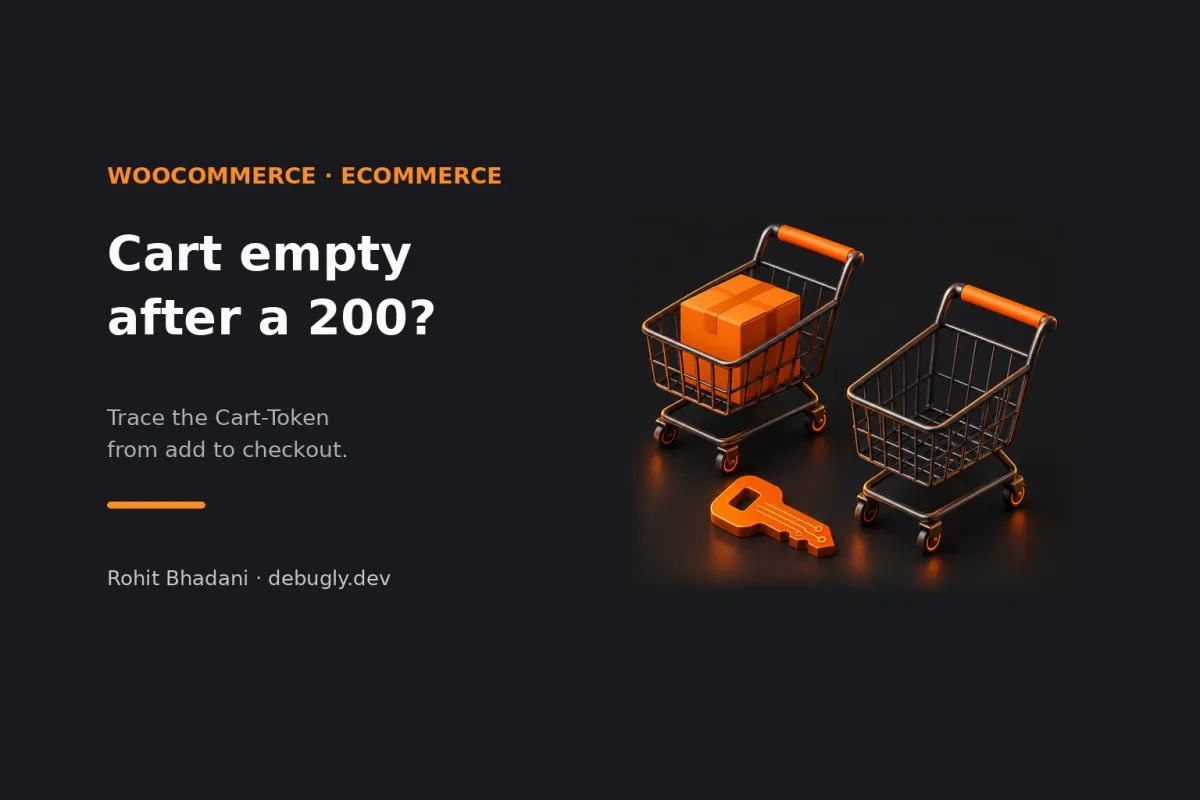
Add to Cart comes back with the right item. You open the cart page a second later and get 200 OK with an empty list. Before you resend the add, check which cart that second request asked for. In a headless WooCommerce Store API integration using Cart-Token, the request needs to carry the token for the same shopper's cart. A successful response can be perfectly accurate about a different cart.
Start with three observations: did the API send a token, could your client read it, and did the next cart request actually send it? Those checks separate a missing header at the server from a browser visibility problem or an app that lost the value during navigation. The HTTP status alone can't tell you which of those happened.
This is an AI-prepared, documentation-based explainer, not a personally reproduced incident. The walkthrough is illustrative and wasn't run against a store. See the editorial policy.
The clue is that the add response already has the item
Imagine an add button wired to a server-side handler and a cart page that fetches from the browser. The handler adds a product and returns its line items. The cart page then sends a bare GET to the same Store API URL. Both requests may work, but if the handler's cart context never reaches the cart page, the second request has no token tying it to the first. A URL names the cart endpoint; it doesn't name the shopper.
The WooCommerce Cart Tokens reference describes the handshake: GET /wp-json/wc/store/v1/cart is one way to obtain the response header, then the client sends Cart-Token on subsequent Store API Cart and Checkout requests to identify that cart. The nonce reference covers the alternative authorization path. A nonce isn't a replacement cart identity. WooCommerce documents that a cart token can be used instead of cookie-based sessions in headless flows and doesn't require a nonce alongside it. Pick a coherent flow; a cookie jar in your test client can otherwise make a broken token path look fine.
Find the first request that changes context
Use a disposable product on a staging store and isolate the token-based path from cookies. Get the cart, retain its token in that shopper's context, and add one distinctive item with the documented Cart API. Then read the cart with its token from the same client. That's your control. Repeat the read through the navigation or server-to-browser handoff that fails, and compare the requests before making another mutation.
- The successful response has no token on the wire. Confirm the endpoint and compare the response at WooCommerce with the one delivered through the proxy. For an error response, inspect the error first: WooCommerce documents that cart session loading failures can return neither
Cart-TokennorCart-Hash. The missing header can be a consequence, not the cause. - DevTools shows the token, but JavaScript gets
null. In a cross-origin browser flow, inspect the deliveredAccess-Control-Expose-Headers. The Fetch standard filters which headers JavaScript can read on a CORS response. Explicitly exposeCart-Tokenfor your permitted storefront origin if your client needs to read it. Exposing a response header doesn't authorize sending a custom request header: the browser can separately preflight the later request, so check that the endpoint allows the actual method andCart-Tokenrequest header. If the whole fetch rejects, diagnose the CORS request itself before inspecting a response object that never arrived. - JavaScript reads the token, but the next request omits it. Check the handoff: server route to browser, page to page, or hydration to client state. For example, a server route might forward the body while dropping the header that identifies the session. If your backend owns the token, keep both cart reads and writes going through that backend and bind them to the same shopper session. If the browser owns it, make every relevant cart request use that shopper's active token. An absent token shouldn't quietly turn into a fresh-cart read that your UI treats as the old cart.
- The correct token reaches WooCommerce and the item is still missing. Now investigate session validity, server-side storage, the actual store environment and intervening mutations. Check caching separately: a response served from a shared cache can bypass the session lookup entirely. Debugly's WooCommerce cart cache investigation covers that different failure. Keep shopper-specific cart responses out of a public shared cache.
Test the handoff, not just the add button
Run the control with two isolated shoppers. Add an item to A, navigate the way a real customer would, and assert that A still sees that line while B doesn't. Then test your missing-token path: does it report that it can't recover the current cart, or display a cheerful empty cart and invite the customer to add everything again? If a request failed ambiguously, reconcile the cart before retrying a mutation; replaying an add isn't a read.
Track whether the token was issued, visible to the client and attached at each hop. Don't log the value or put it in URLs, analytics or screenshots. The next time two successful responses disagree, you'll know where to look: find the request that stopped speaking for the same shopper.